Share the pipeline
See active opportunities by stage, salesperson, expected value, and next activity.
Keep opportunities, next actions, and customer conversations visible before a prospect becomes an order.
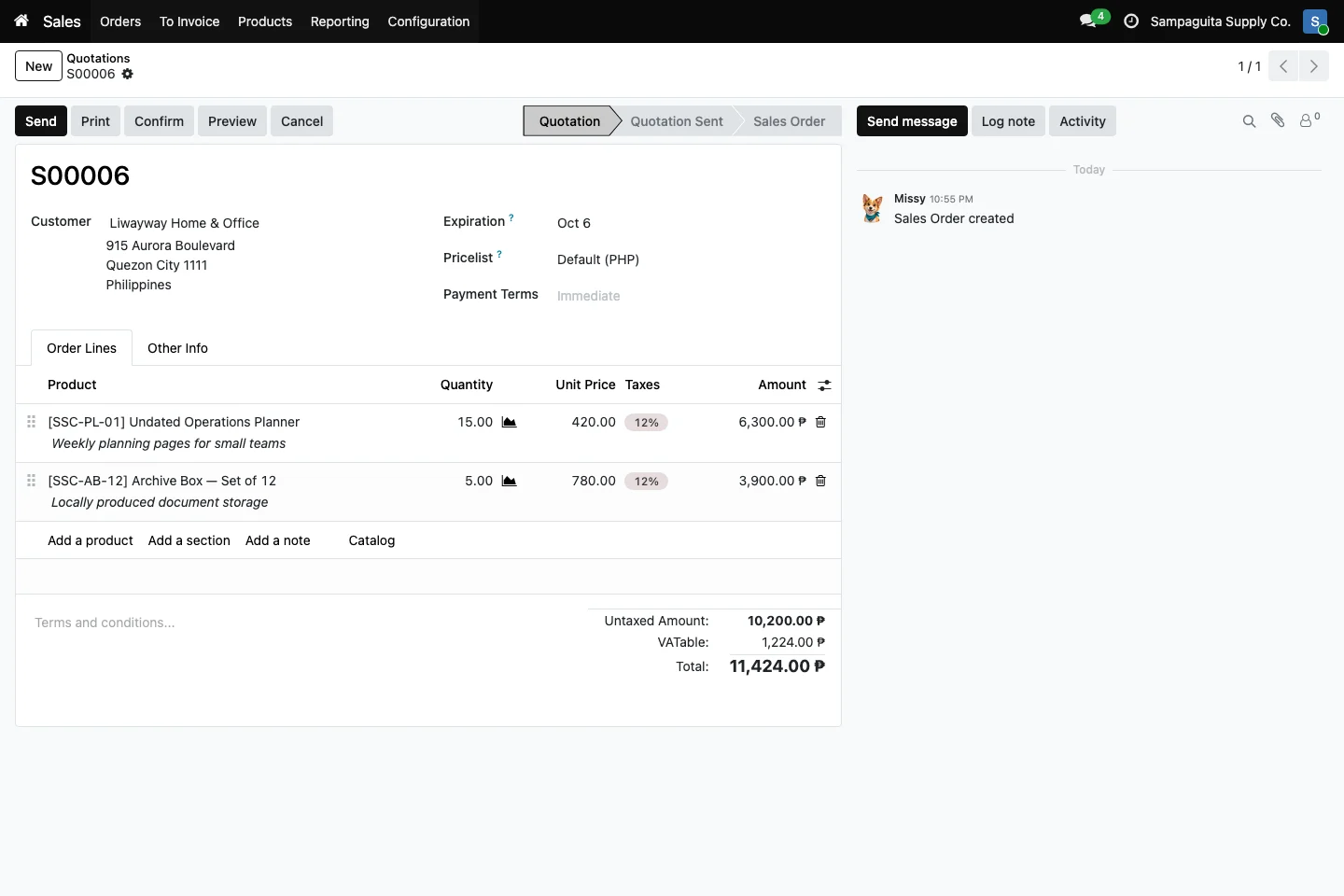
A shared pipeline gives the team one view of new business. Add opportunities, move them through your own stages, plan calls and follow-ups, and keep notes on the record. When a prospect is ready, Sales can turn that context into a quotation instead of beginning from an empty document.
See active opportunities by stage, salesperson, expected value, and next activity.
Schedule calls, emails, meetings, and reminders on the opportunity.
Prepare quotations from qualified opportunities when Sales is installed.
The steps can vary based on the tools your team uses and each person's role.
What you see can vary with the apps in use and your setup.
Yes. Teams can configure stages that match the way they qualify and close opportunities.
No. Activities help people plan work; automation depends on your installed modules and configuration.
Yes, when Sales is installed and the user has the right access.